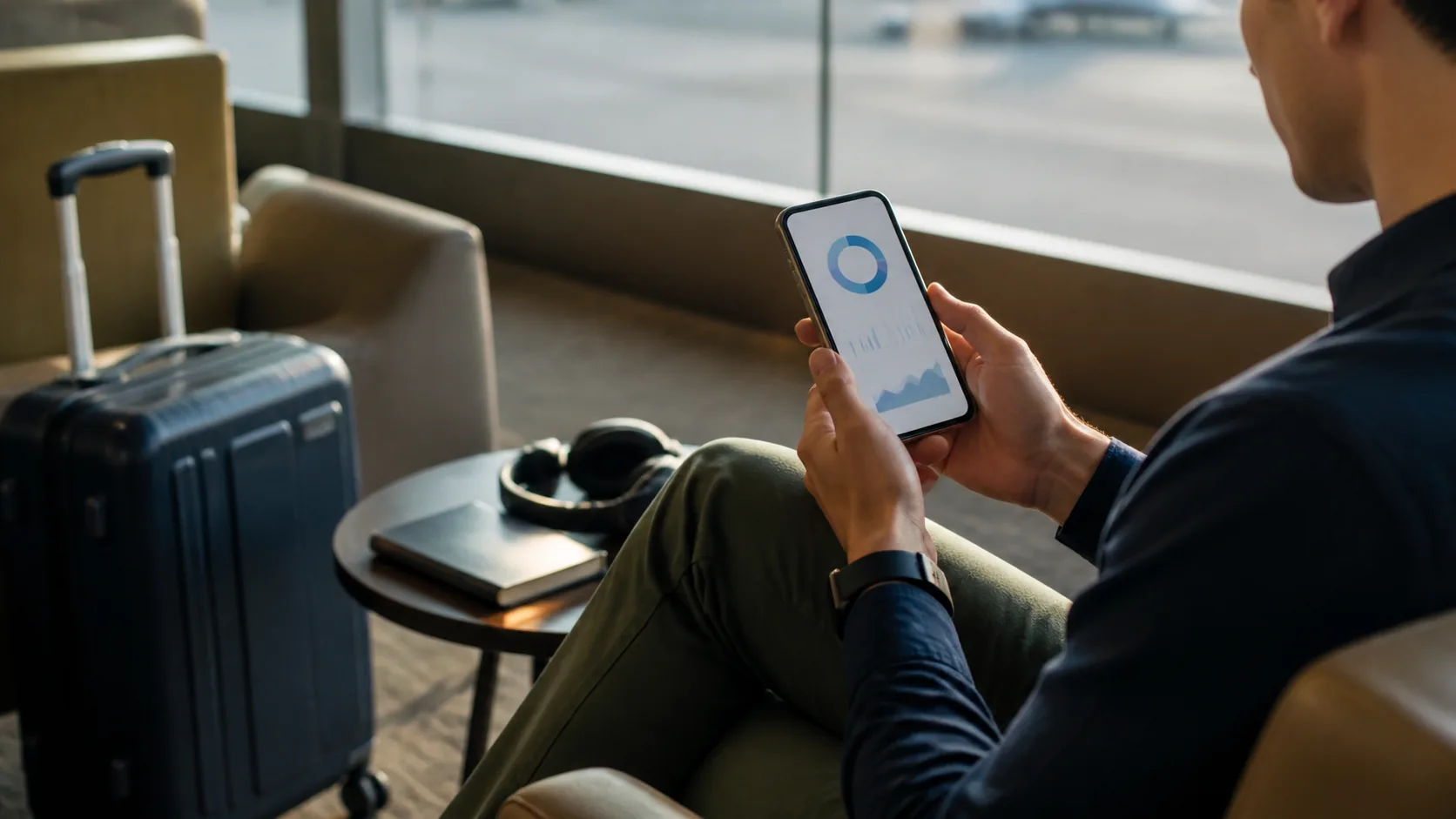


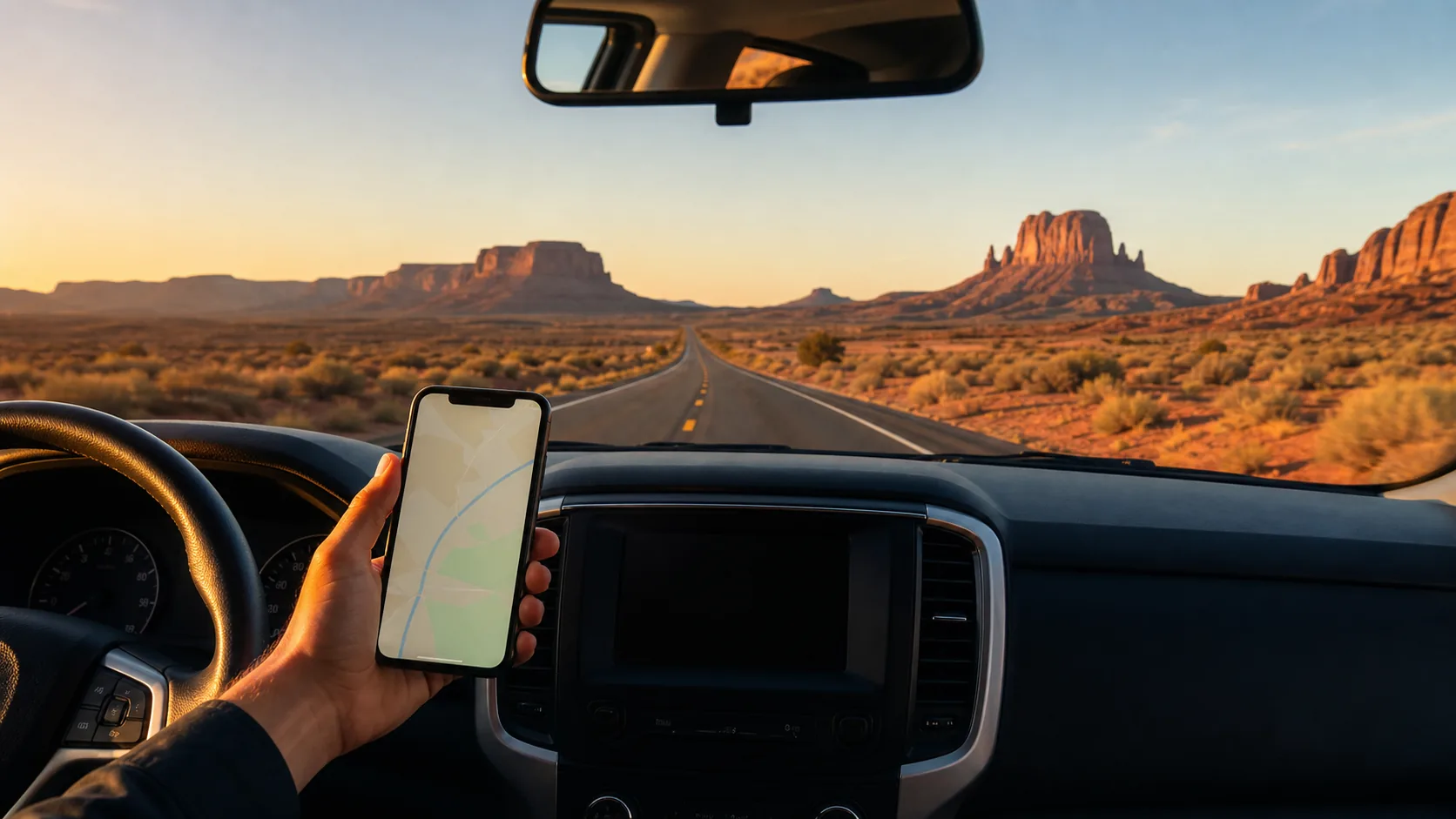

Choose a USA road-trip eSIM by checking the underlying network on your exact route—not just the headline data allowance.
The best eSIM for a USA road trip is the one that uses a network with usable coverage on your actual route. A large data allowance is helpful for navigation, music and bookings, but it cannot fix a coverage gap on a mountain pass, national-park road or remote desert stretch. Check the eSIM’s underlying US network before buying, then compare the network’s map with every major overnight stop and the roads between them.
For most trips, choose a plan that covers the whole itinerary, allows hotspot if you need it, and has enough data for navigation plus an offline backup. Download maps, lodging details and reservation confirmations before leaving reliable Wi-Fi. That is more useful than paying extra for data you cannot use outside network coverage.
Route coverage matters more than a headline “unlimited” label on a USA road trip.
- Check the plan’s named underlying network and view coverage for every driving day.
- Download offline maps before rural, mountain or national-park segments.
- A 5–10 GB plan often suits map-led trips; choose more if you stream, hotspot or work remotely.
- Confirm plan validity, hotspot rules and renewal options before activation.
Travel smarter. Stay connected.
I consent to receive newsletters via email. Terms of Use and Privacy Policy.
Choose a USA road-trip eSIM by route coverage
Start with your route, not the provider’s marketing page. List airports, cities, overnight stops, park entrances and long driving corridors. Then look up the eSIM’s named host network on the FCC National Broadband Map and, where available, the operator’s own map. The FCC explains that its mobile map represents reported outdoor or in-vehicle coverage, not indoor service; real-world performance can vary with terrain, capacity and the device.
How much data do you need on a USA road trip?
Navigation and messaging normally use far less data than video. If you download offline map areas before departure, 5–10 GB can be a sensible starting point for a short self-drive trip using maps, ride-hailing, restaurant searches and occasional social uploads. Move up a tier if you stream music or video, use a laptop hotspot, upload large files or share the connection with other people.
USA road-trip eSIM setup checklist
Buy only after confirming your phone is unlocked and eSIM-compatible. Install the eSIM while you have stable Wi-Fi, but follow the provider’s activation timing: some plans begin when they connect in the destination, while others have a defined activation window. Label the line clearly, turn mobile data on for the travel eSIM, and keep data roaming off on your home SIM unless you deliberately bought a roaming pass.
Before the first long drive, download the map regions you need, save travel documents to the phone, test that the data line works and keep a charging cable or power bank accessible. Do not assume a coverage map means you will have a dependable signal at every viewpoint or trailhead.
eSIM vs local SIM vs roaming for a US road trip
A travel eSIM is usually the most convenient option when you want data ready after arrival. A local prepaid SIM can be worth the additional purchase and activation work if you need a US phone number or a specific domestic plan. Home roaming is simplest when your carrier offers a suitable pass, but check its daily cost, high-speed allowance and hotspot conditions before leaving.
Frequently asked questions
Will a USA eSIM work in national parks?
It may work in some areas, but coverage varies widely by park, road, terrain and network. Check the plan’s host network on your route, then download offline maps and keep key information saved before entering areas with limited signal.
Is 5G essential for a USA road trip?
No. Reliable LTE can be more useful than a 5G label when you need maps, messages and bookings. Prioritise coverage on the route and valid high-speed data terms over a plan that only advertises 5G.
Can I hotspot a USA travel eSIM?
Some travel eSIMs permit hotspot use and others limit it, especially on plans marketed as unlimited. Read the plan terms before purchase if you expect to connect a laptop, tablet or another traveller’s device.
Can I use my normal phone number with a USA eSIM?
Usually, yes. A data eSIM can provide mobile internet while your home SIM remains active for your ordinary number. Avoid using home-line data roaming unless you knowingly accept the carrier’s roaming charge.
What is the safest backup for poor coverage?
Offline navigation is the most practical backup. Save maps, hotel addresses, reservation details and emergency contacts before leaving a connected area. In remote places, do not depend on a phone signal for safety-critical planning.