


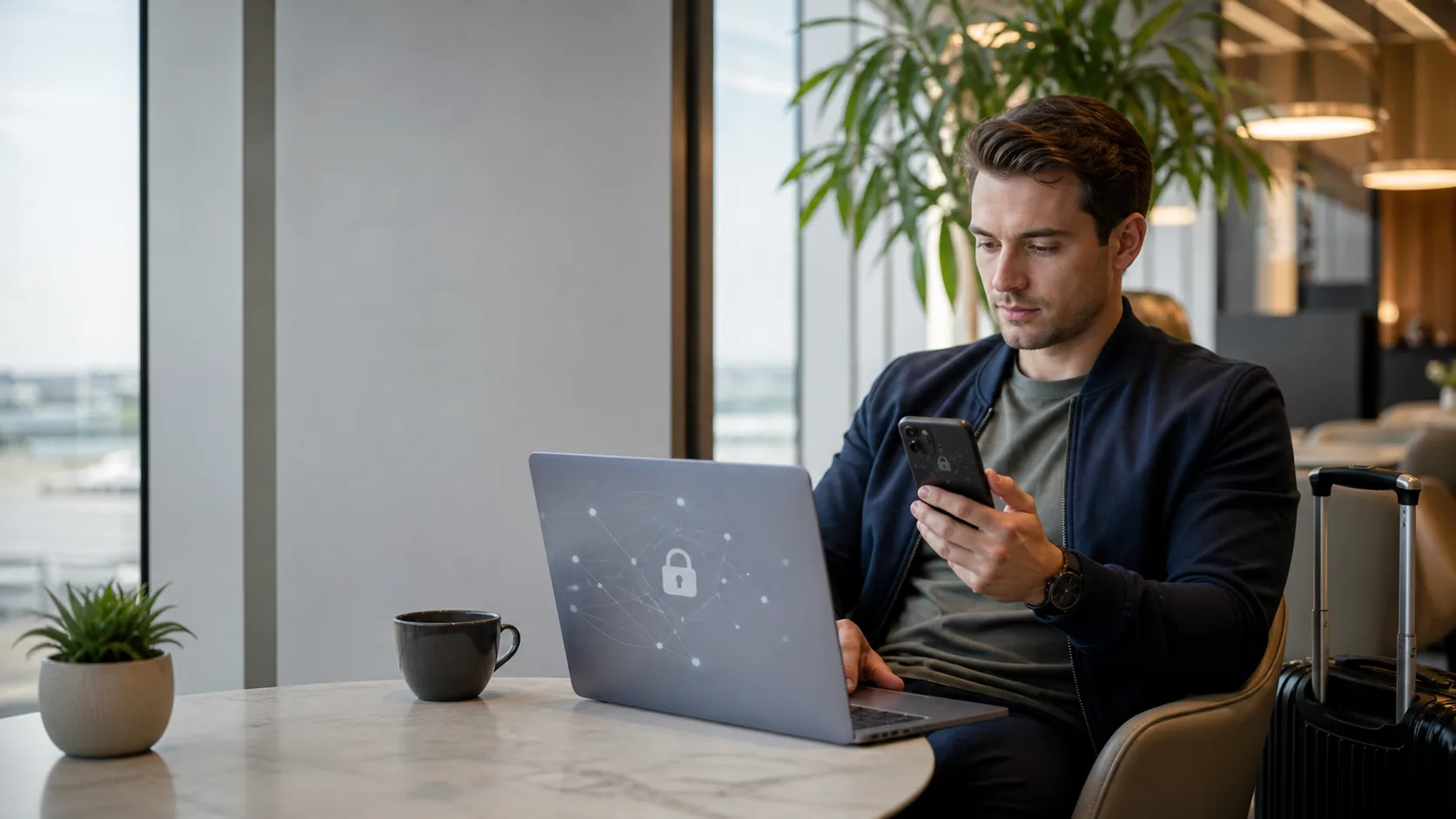

Public Wi-Fi can be useful on a trip. Use the right network, protect your accounts and keep banking or sensitive tasks on a safer connection when possible.
Public Wi-Fi at airports, hotels and cafés is usually fine for low-risk tasks such as checking a map, reading a menu or messaging a friend. The sensible approach is not to avoid every hotspot; it is to verify the network, protect your accounts and avoid treating an unknown connection as the place for a sensitive financial task. When in doubt, use your own mobile data or wait for a trusted connection.
Before connecting, ask staff for the exact network name. Fake networks often use a plausible name to catch travellers in a hurry. Once connected, make sure websites use HTTPS, keep your device updated and avoid sharing information you would not want exposed. The FTC notes that modern website encryption makes public Wi-Fi generally safer than it once was, but encryption does not protect you from a fake website or a scammer.
Use public Wi-Fi for ordinary browsing, but verify the network and reserve sensitive tasks for mobile data or a trusted connection.
- Ask staff for the exact Wi-Fi name before joining.
- Look for HTTPS and the lock icon, but still check that the website itself is genuine.
- Use two-factor authentication and keep software up to date before travel.
- Turn off auto-join and file sharing after you disconnect.
Travel smarter. Stay connected.
I consent to receive newsletters via email. Terms of Use and Privacy Policy.
How safe is public Wi-Fi when travelling?
The answer depends on the network and what you do on it. Encryption now protects most modern websites and apps in transit, so ordinary use is often lower-risk than outdated advice suggests. The FTC recommends looking for HTTPS or a lock symbol in the browser, using strong unique passwords and enabling two-factor authentication. A secure connection to a fraudulent website is still fraudulent, however, so confirm the site address before entering anything important.
Before you connect to airport, hotel or café Wi-Fi
Ask for the exact network name and whether a password or sign-in page is expected. Avoid joining a similarly named open network just because it is strongest. Disable automatic Wi-Fi joining, Bluetooth sharing and file sharing if you do not need them. After you leave, forget the network so your phone does not reconnect automatically on a later visit.
Banking, payments and account recovery: use a safer connection
Avoid initiating a bank transfer, changing a password or recovering an important account over an unknown hotspot if you have another practical choice. CISA specifically advises using cellular data instead of unsecured public Wi-Fi for banking or purchases when possible. If you must complete a sensitive task, confirm the website address, use two-factor authentication and do not follow login links from an unexpected email or captive portal.
A travel eSIM can provide a useful private data connection for this purpose. It is not a magic security product, but it gives you an alternative to unknown Wi-Fi for essential tasks. Keep data roaming off on the home SIM unless you intentionally chose a roaming plan.
How to rely less on public Wi-Fi while travelling
The easiest security improvement is preparation. Download maps, tickets, accommodation addresses and essential documents before you leave a reliable connection. Google Maps supports downloading selected areas for offline use, although offline navigation has limitations: traffic, alternate routes and some public-transport, walking and cycling directions may not be available.
Use hotel or airport Wi-Fi for non-sensitive large downloads when appropriate, then switch back to mobile data for tasks involving your bank, account recovery or personal documents. This approach also makes a small travel data plan go further without forcing you to connect to every open network you see.
Compare eSIM options before your trip so you have mobile data for maps, messages and essential accounts when Wi-Fi is not the right choice.
Explore eSIM guidesFrequently asked questions
Is airport Wi-Fi safe to use?
It can be suitable for ordinary tasks if you verify the network name with airport staff or signage, use HTTPS websites and protect your accounts with strong passwords and two-factor authentication. Prefer mobile data for banking, account recovery or other sensitive activity.
Should I use a VPN on public Wi-Fi?
A reputable VPN can add privacy in some situations, but it does not make a fake website legitimate or replace basic account security. Verify websites, use two-factor authentication and keep devices updated whether or not you use a VPN.
Can someone steal my details through hotel Wi-Fi?
Risk varies by the network and the service you use. Modern HTTPS encryption helps protect data in transit, but fake networks, phishing pages and weak account security remain risks. Verify the network and avoid sensitive tasks when a safer connection is available.
Should I turn off Wi-Fi when travelling?
You do not need to keep it off all the time. Turn off auto-join, connect deliberately to verified networks, and forget them after use. Downloading maps and documents in advance reduces the need to connect in a hurry.
Is mobile data safer than public Wi-Fi?
Mobile data is a practical alternative for sensitive tasks because you are not sharing an unknown local hotspot. It does not remove the need to check websites, protect accounts or avoid phishing, but it can reduce your reliance on public networks.