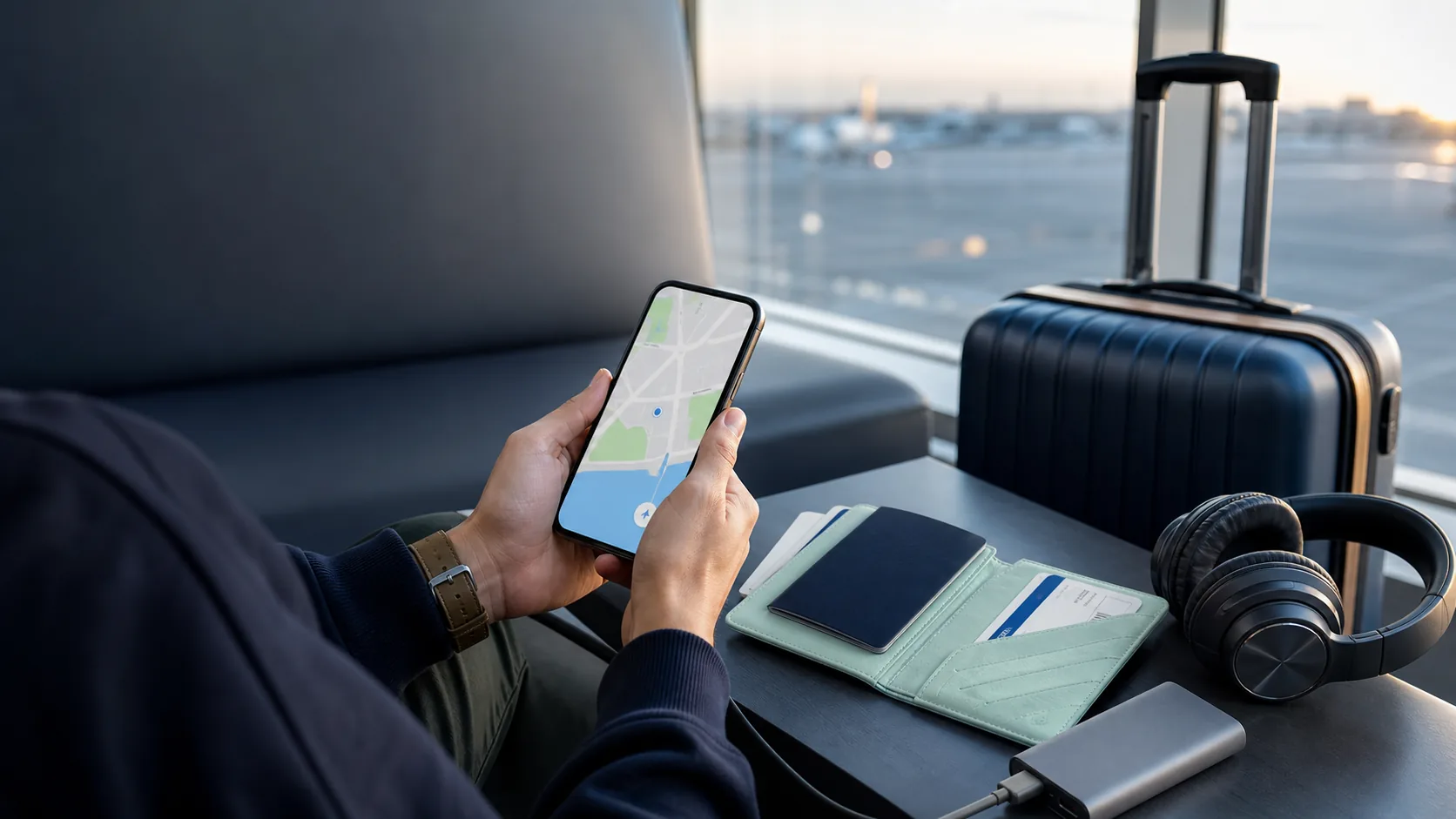




Lost your phone while travelling? Follow a practical order: try to locate and lock it, protect accounts and payment cards, contact your mobile provider, then restore your connection.
If you lose your phone abroad, do not start by cancelling everything. First try to locate it and put it into a lost or locked state using another device. Then protect the accounts and cards that could be accessed through it, contact your home mobile provider if your physical SIM is missing, and make a plan for getting connected again. The correct order matters because erasing or removing a device too early can make it harder to find or recover.
Use a trusted device, a hotel computer only with care, or ask a travelling companion to help. Do not share one-time verification codes with anyone who calls, texts or emails claiming to have found your phone. A lost-device message can be genuine; a link asking for your account password is a common moment for a scam.
Locate and lock the phone first, then protect financial accounts and your mobile number. Erase only when you decide the phone is unlikely to be recovered.
- Use Apple Find My or Google Find Hub to locate and mark the device as lost.
- Contact your home provider promptly if the physical SIM is missing or could be used by someone else.
- Freeze or monitor payment cards through the bank’s official app or phone number.
- Change critical passwords from a trusted device if you think the phone was unlocked or compromised.
- Do not remove the device from your Apple or Google account while you may still need to locate it.
Travel smarter. Stay connected.
I consent to receive newsletters via email. Terms of Use and Privacy Policy.
What to do in the first 30 minutes
If you think the phone was stolen, do not confront a suspected thief or travel to a location alone. Note the last known place and time, then use the device-finding tools remotely. For an insurance claim or local report, keep any reference number and a record of the device serial number or IMEI if you have it.
Find and lock a lost phone before you erase it
For iPhone, use Find My or iCloud.com/find to locate the device and mark it as lost. Apple says Lost Mode locks the device and can display contact information for a person who finds it. If Find My was not enabled before it went missing, the device cannot be located, marked as lost or erased remotely through that service.
For Android, use Google Find Hub on the web, another Android device or a friend’s device in guest mode. Google says you can play a sound, mark the device as lost with contact information, or factory-reset it if you cannot recover it. A device must have the relevant account and finding settings enabled; some actions require it to have power and a data or Wi-Fi connection.
Protect your SIM, eSIM, email and payment accounts
A missing physical SIM deserves prompt attention because your phone number may receive password-reset and verification messages. Call your home mobile provider using the official number from its website, account documents or a trusted companion’s phone. Ask what they recommend for suspending the line, replacing the SIM or protecting the number. Do not assume a travel eSIM replaces the risk attached to the physical home SIM.
Open your bank’s official app or website from a trusted device and use its card-freeze or emergency-contact options if available. Check recent transactions and report unauthorised activity through the bank’s official channel. Prioritise your primary email account next, because email is often the route for password resets. Change the passwords or revoke sessions for high-value accounts if there is a credible chance the phone was unlocked.
How to get connected again abroad
If you have a spare unlocked handset, you may be able to install a new travel eSIM on it after checking the provider’s rules and phone compatibility. A local SIM can also work, but it may require a visit to an official shop and local registration rules can vary. Use verified Wi-Fi only long enough to arrange support, and avoid entering financial credentials on an unknown hotspot when mobile data or a trusted connection is available.
If the lost phone held your eSIM, contact the eSIM provider through its official support channel. Some providers can issue replacement installation details; others have plan-specific rules. Keep the purchase email or order reference in a second place before travel so the support team can identify the plan.
A travel eSIM cannot replace a lost phone, but it can make a spare compatible device useful when you need maps, messaging and essential support.
Explore eSIM guidesPrepare before you travel: the five-minute backup plan
Turn on your phone’s device-finding feature, set a strong screen lock, and confirm you know the password for your Apple Account or Google Account. Save your home provider’s international support number, bank emergency contacts, device IMEI or serial number, accommodation address and a trusted contact somewhere other than the phone. A small backup power bank and an old unlocked handset can also be useful on longer trips.
Share your itinerary with a trusted person and make sure you can access your primary email from another device. Downloading essential bookings, maps and support details before departure makes the first hour after a loss far more manageable.
Frequently asked questions
Can I find my lost phone if it is offline?
It depends on the device, settings and available network features. Apple and Google can sometimes show a last known location or use a finding network when it was enabled before the loss. You should still mark the device as lost and follow the official instructions, but do not expect every phone to be locatable at all times.
Should I erase my phone immediately if it is stolen?
Not usually as the first step. First locate it if possible, mark it as lost and protect the accounts tied to it. Remote erasure can protect data when recovery is unlikely, but it may stop location tracking. Read the official Apple or Google guidance for your device before erasing it.
What should I do with my SIM card if my phone is lost abroad?
Contact your home mobile provider promptly through an official support channel, especially if the phone contains your physical SIM. Your provider can explain how to suspend the line, protect the number or arrange a replacement. A travel eSIM does not automatically protect your home number.
Can I get my travel eSIM back on another phone?
It depends on the eSIM provider and plan. Contact the provider with the purchase or order details and ask whether replacement installation information is available. Do not assume a QR code can be reused; follow the provider’s specific instructions.
What if someone messages me saying they found my phone?
Be cautious. A genuine finder may use the contact details you displayed through Lost Mode, but do not share passwords, one-time codes or account-recovery information. Do not sign in through a link sent by an unknown person; use the official Apple or Google website or app instead.