


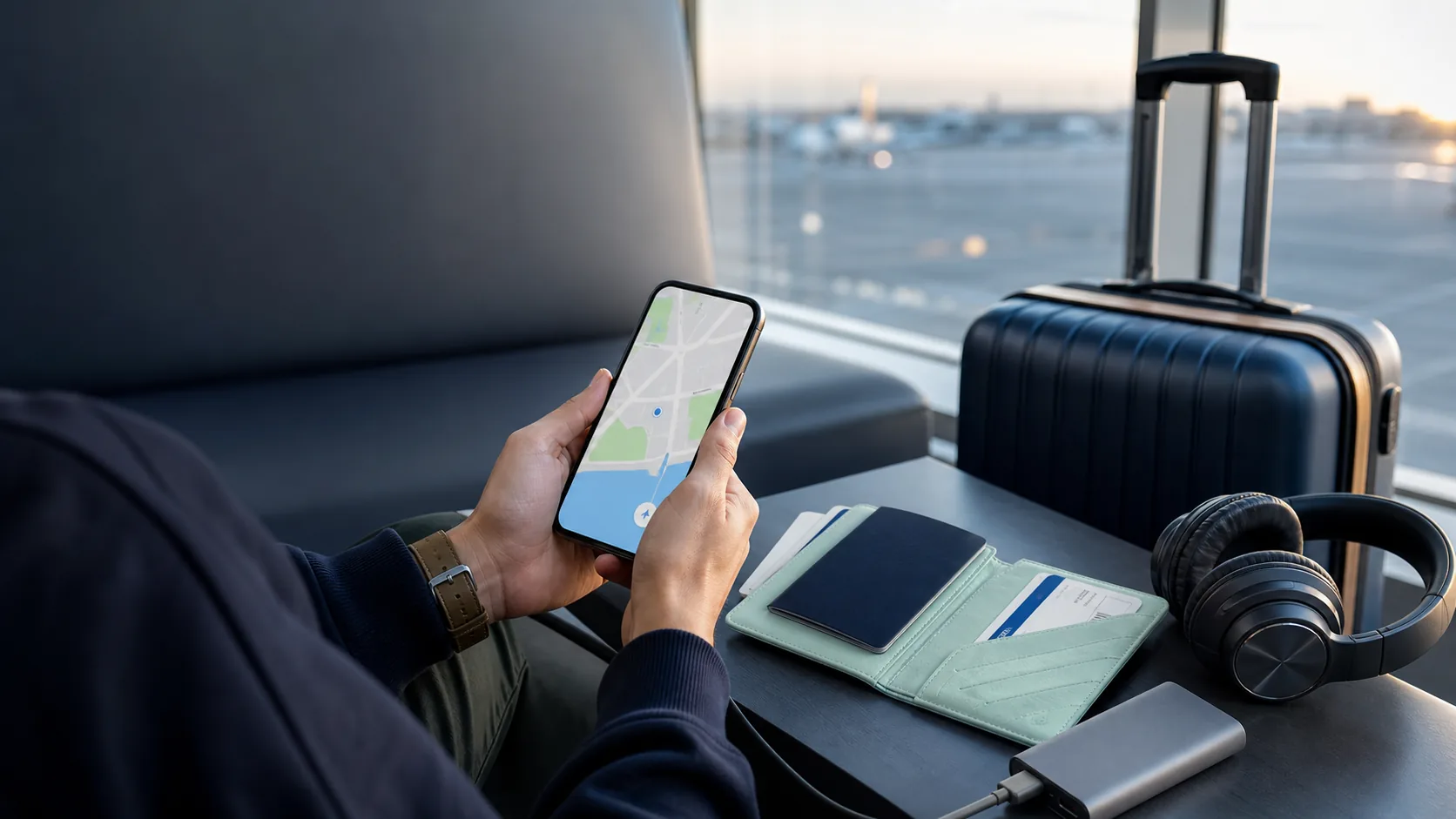

Download maps, booking details, travel documents and essential apps before you leave so your first hours abroad do not depend on airport Wi-Fi or expensive roaming.
Download the things you will need in the first 24 hours before you fly: offline maps, your accommodation address, transport and booking confirmations, a copy of essential travel documents, and the apps you genuinely use. This gives you a workable arrival plan even if airport Wi-Fi is slow, a verification code does not arrive, or you have not activated mobile data yet.
The aim is not to fill your phone with every travel app. It is to save the information that becomes stressful to find when your battery is low, you are in a queue or you have no signal. Keep copies secure, use official apps where possible, and make sure you can access the essentials offline.
Before an international trip, download offline maps, booking records, key travel documents, language help and your connectivity setup. Test that each item opens without a connection.
- Download offline maps for your arrival airport, accommodation and first routes.
- Save transport, accommodation and activity confirmations outside your inbox.
- Keep secure copies of essential documents, but do not store more sensitive data than you need.
- Install and test your eSIM before departure if you are using one.
- Bring offline entertainment and a charging plan for delays.
Travel smarter. Stay connected.
I consent to receive newsletters via email. Terms of Use and Privacy Policy.
Your essential international travel download checklist
Download maps for your first day, not just the city centre
Save the map area that covers your arrival airport, accommodation, the route between them, and any station or meeting point you will use first. Pin your hotel or apartment, save its address in the local language if available, and note an alternative route in case of a late arrival or a missed connection. That small amount of preparation is more useful than downloading an entire country you will never open.
Google Maps lets you download selected areas for offline use. Offline maps are useful, but they do have limits: live traffic, alternative routes and some public-transport, walking and cycling directions may not be available. Treat them as a reliable fallback, not a full replacement for a data connection.
Save documents and bookings without relying on your inbox
Airline emails, booking-platform messages and bank alerts are convenient until you cannot receive a verification code or find a stable connection. Save your boarding pass, accommodation confirmation, onward transport and any tour or insurance reference in an official app where possible. Keep a second offline copy of only the details you would need to show quickly.
Also save your accommodation address, emergency contacts and your insurer’s claims contact in a format that does not depend on signing into email. If you travel with someone else, share the itinerary with them rather than making one phone the only source of truth.
Travel apps worth setting up before you leave
Start with official airline, rail, accommodation and local transport apps relevant to your actual itinerary. Add a map app, a translation tool with the language you need downloaded, and your bank or payment app if you already use it. Avoid downloading dozens of speculative apps: every additional login can become another account-recovery problem abroad.
If an app requires a phone number, biometric approval or two-factor code, test it before departure. Update it over a trusted connection, make sure it is signed in and check any important notifications are enabled. Do not depend on public Wi-Fi to complete first-time setup after you land.
Set up mobile data before departure
If you plan to use a travel eSIM, read the activation instructions before the day you fly. Some plans can be installed in advance but only begin their validity when they connect in the destination; others have different rules. Install while you still have reliable internet, keep the QR code or provider app accessible, and confirm which line should handle mobile data after arrival.
Compare travel eSIM guides before departure so maps, messages and booking details are available when you arrive.
Explore eSIM guidesA simple 10-minute pre-flight check
Put your phone in airplane mode and open your offline map, booking confirmations, accommodation address and emergency contact details. Then confirm you can access your eSIM information and that you have a charged power bank or cable. If something does not open now, it will not be easier to solve in an arrivals hall.
Frequently asked questions
What should I download before travelling internationally?
Start with offline maps, your accommodation address, transport and booking confirmations, essential document references, translation help and the apps needed for your real itinerary. Install any travel eSIM while you have a reliable connection and test that each important item can be opened offline.
Should I save a copy of my passport on my phone?
A secure copy can be useful for reference, but it is sensitive personal data. Do not leave it in an unprotected gallery alongside financial information. Use a protected storage option you can access offline and remember that a copy does not replace an original passport where the original is required.
Do offline maps work without internet?
They can show downloaded map areas and provide some navigation without a connection. Features vary by app; for Google Maps, live traffic, alternative routes and some walking, cycling and public-transport directions may not be available offline. Download the key arrival area and treat it as a backup.
Should I install my travel eSIM before flying?
Usually, yes, if the provider’s instructions allow it. Installing before departure gives you time to solve issues while you still have stable internet. Check when the plan’s validity begins and follow the provider’s activation instructions rather than assuming every eSIM starts at the same moment.
Is a screenshot enough for travel bookings?
A screenshot is a useful offline backup, but keep the official app or saved confirmation too when possible. Screenshots may not update after a change and may not include every detail a provider needs. Save the booking reference, address, dates and any QR code required for entry.